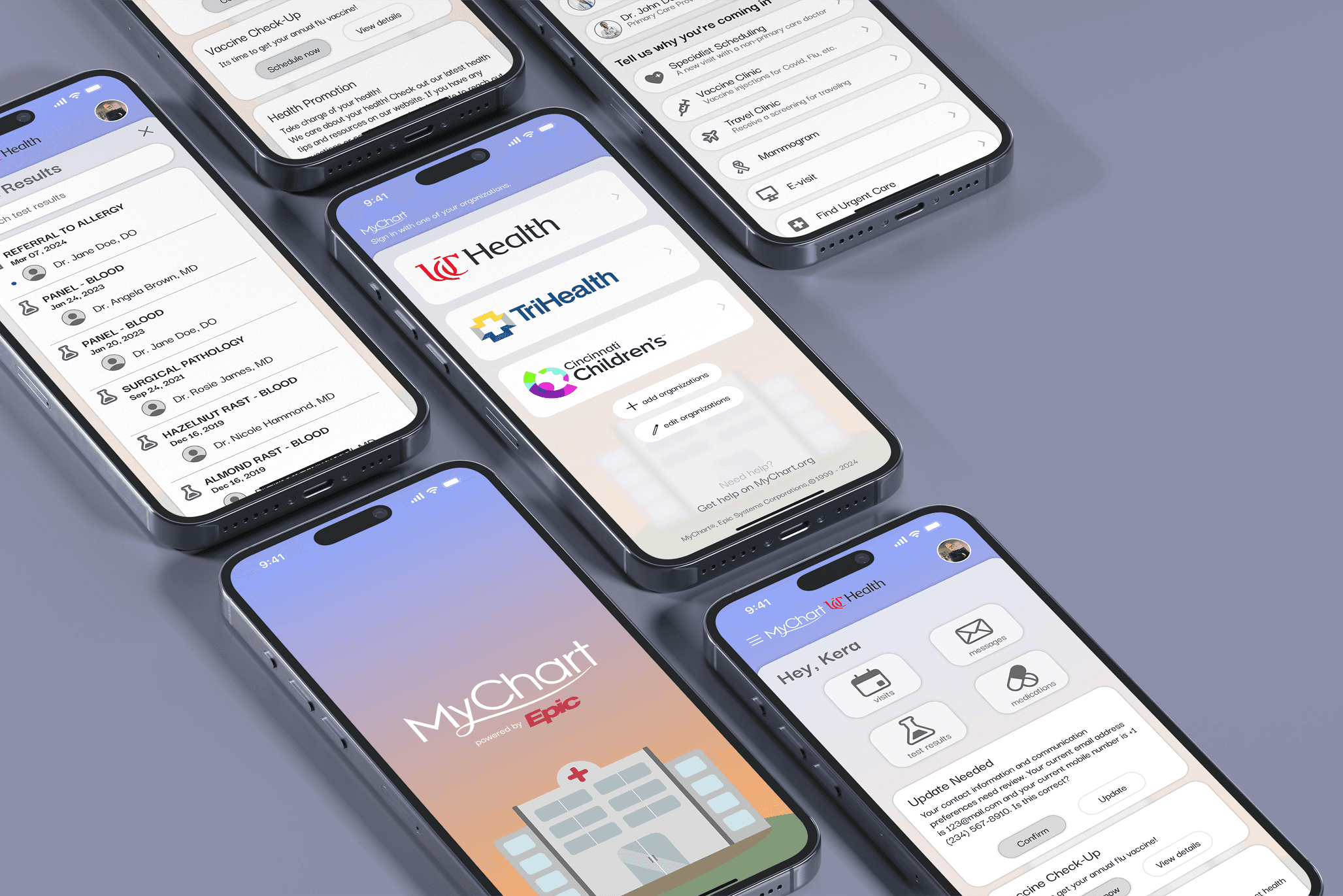
My Chart
UI/UX App Redesign
2024
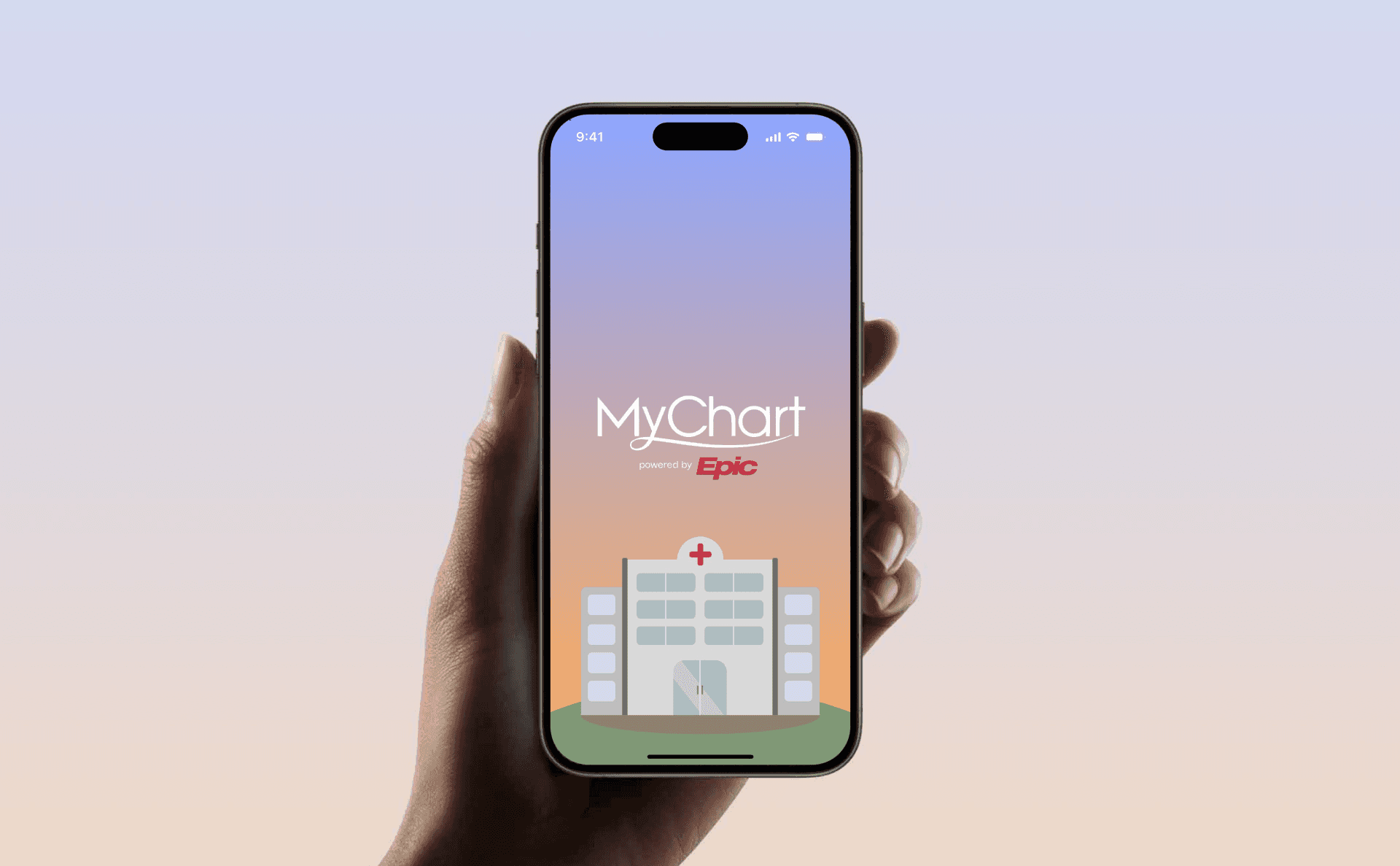
Analysis of MyChart App
As services continue to adapt to rapid mobile use, MyChart by Epic seldom changed their interface.
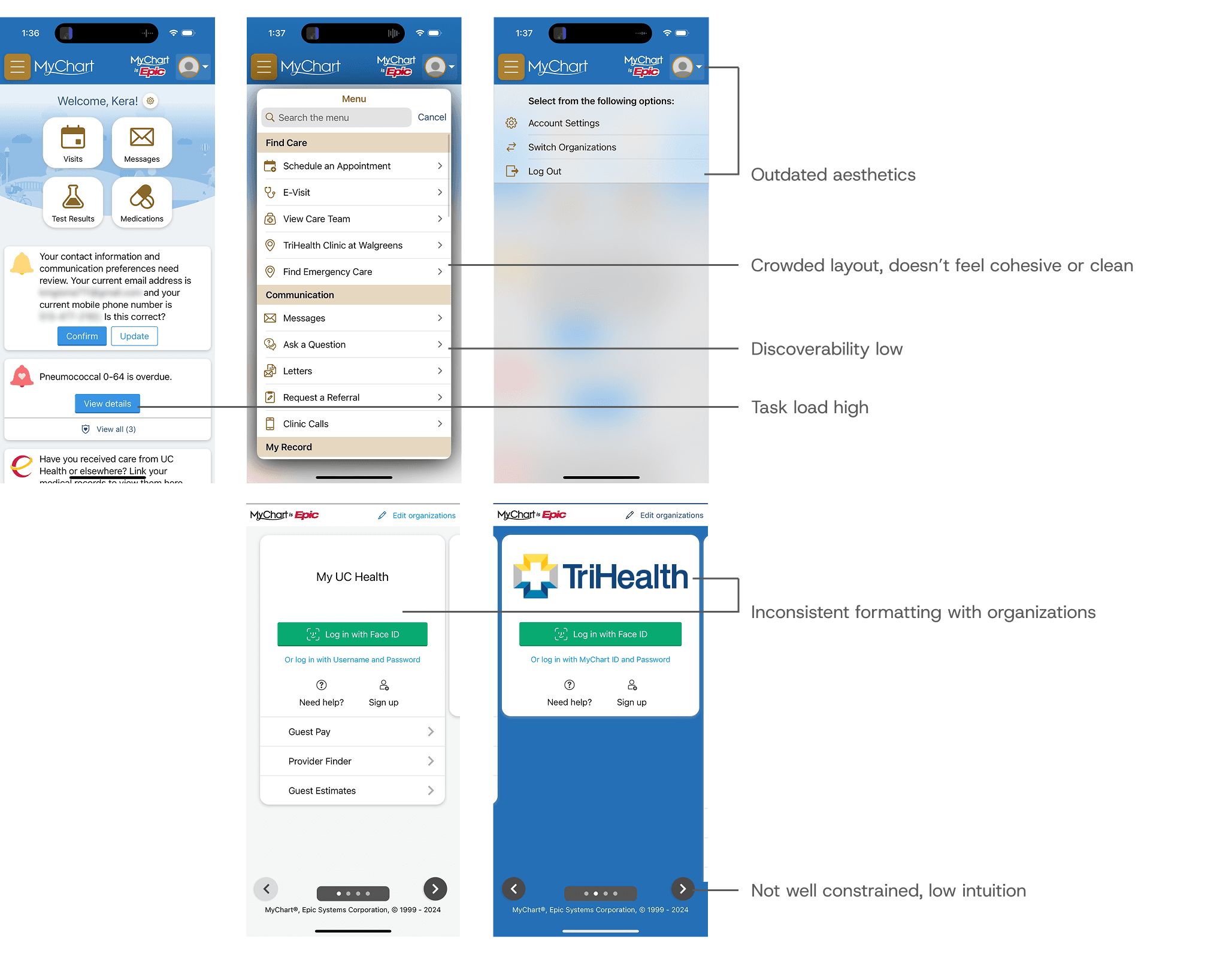
Considerations & Focal Points
MyChart is accessed by hundreds of millions of users daily, of many backgrounds and demographics. Health care is not a fun task, task load and completion time should be minimized and intuitive. Often scheduling is done during the work hours, so a sense of urgency is in place. Users with physical, visual or mental disabilities could benefit from clear navigation and discoverability.
Visual Hierarchy
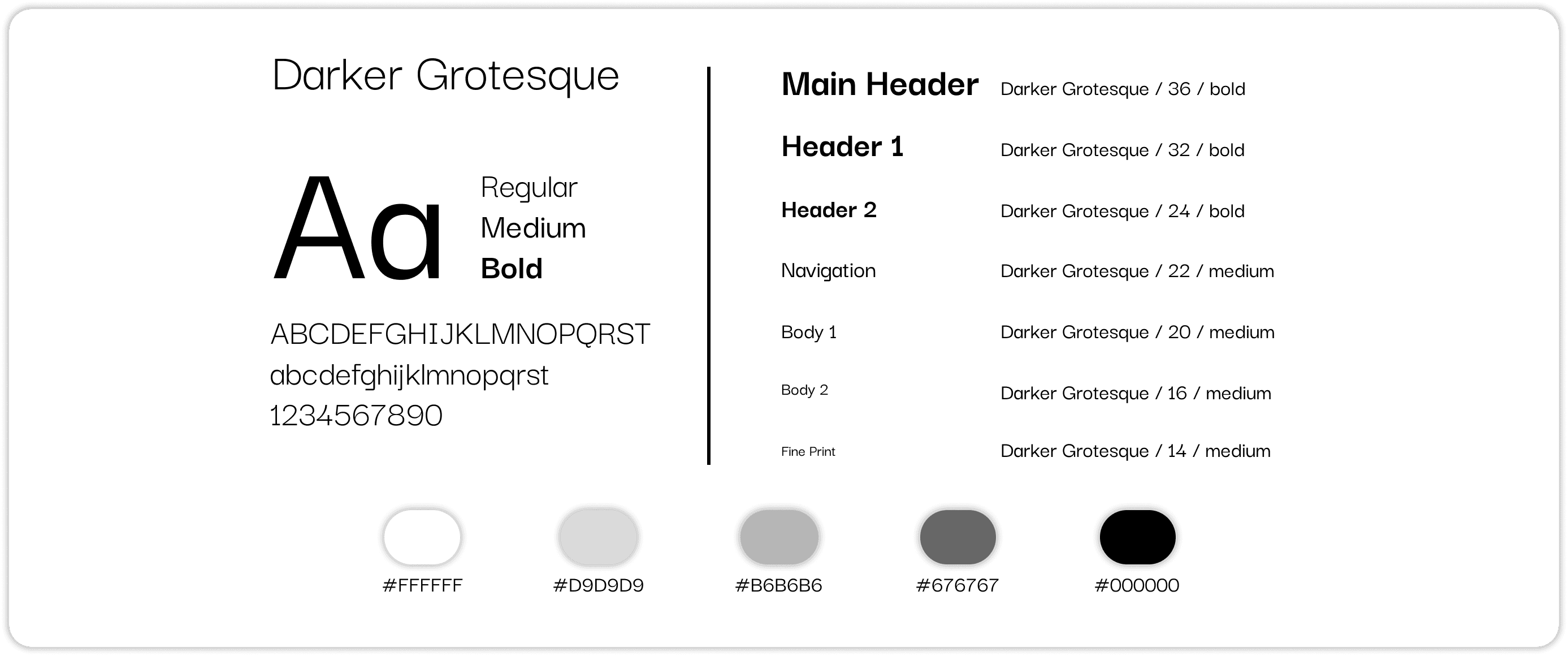
Use set font sizes and weights. Group information into sections for clarity and discoverability.
Clean Layout
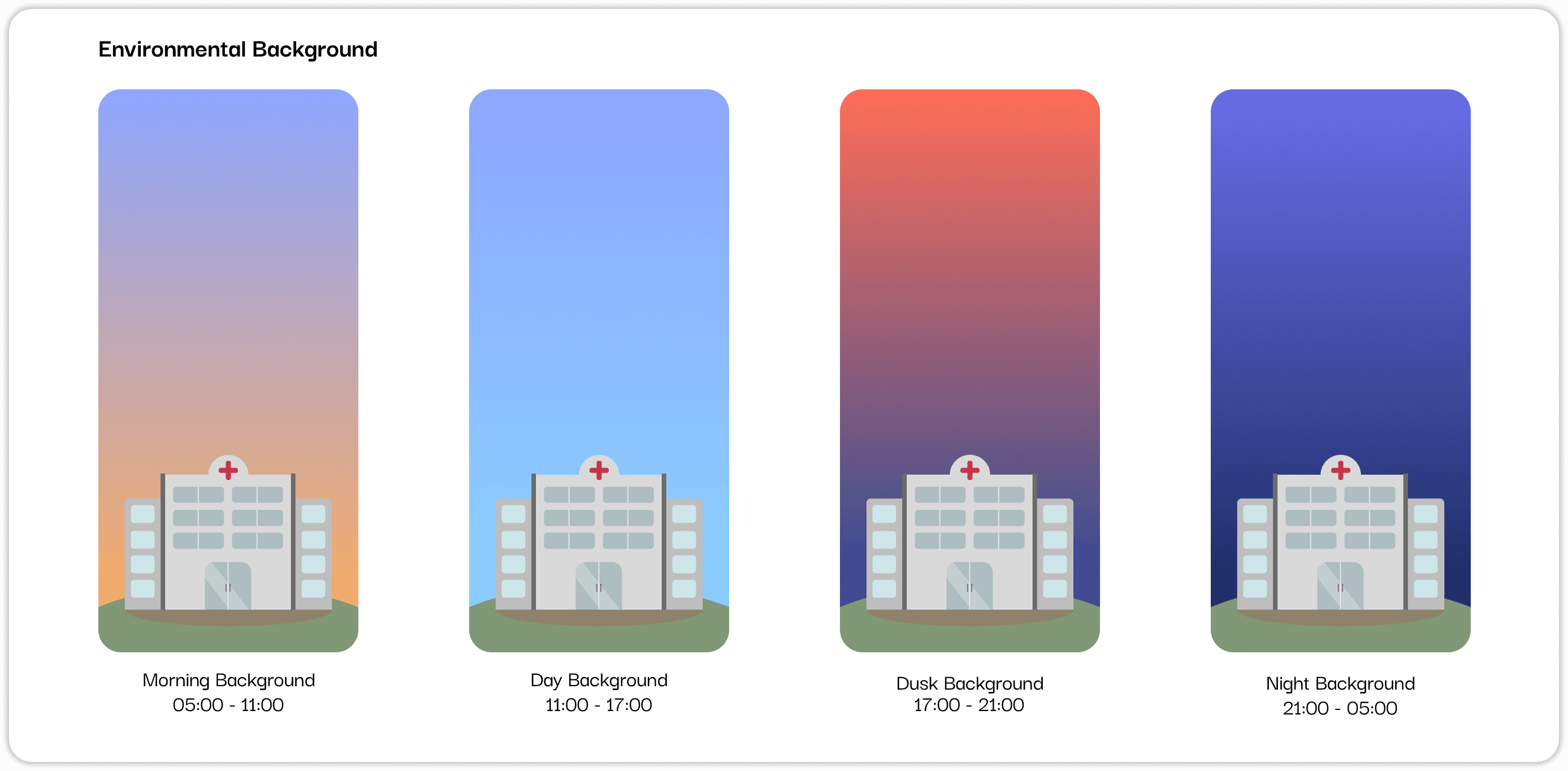
Consistent coloring, radii, and familiar elements to create a cohesive interface.
User Constraints
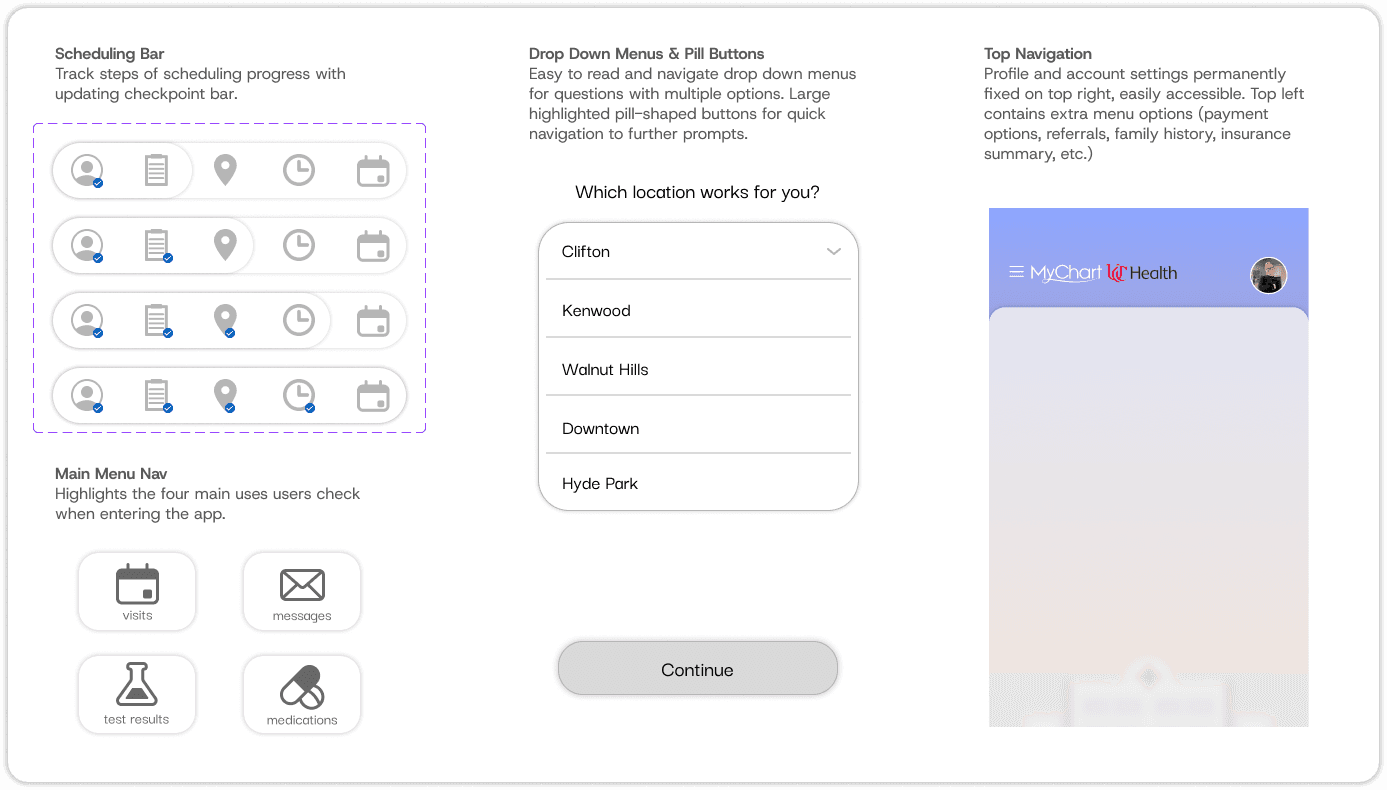
Offer minimal ways of operation so user have one right clear path.
Familiar Navigation
Rely on users existing mental models, combine natural mapping and familiar visual cues.
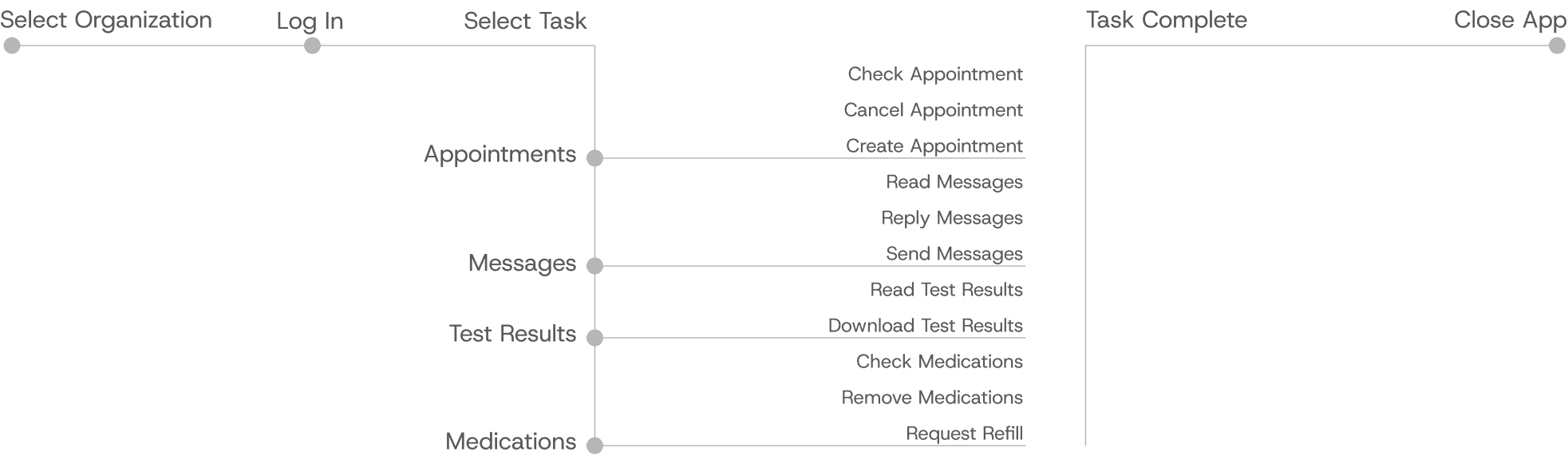
Task Flow Analysis
Design Guide
Components and Navigation
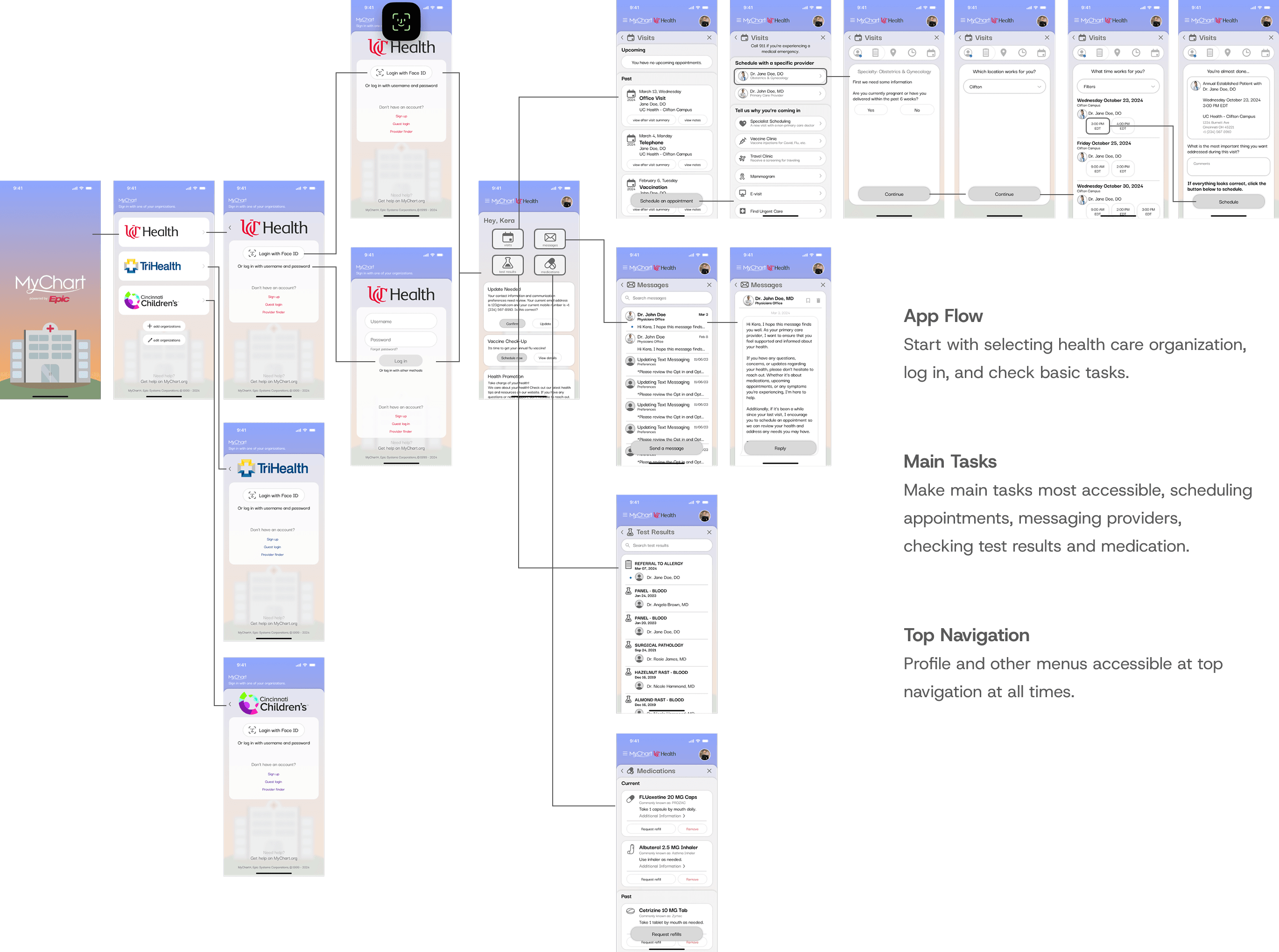
App User Flow
Figma Prototype
Semi-functional prototype walking user through basic interactions like logging in, reading messages, scheduling appointments, checking test results and managing medication.